How to Download Multiple Tiktok Videos (at once) with KeepTik
If you’ve ever fallen down the TikTok rabbit hole (we’ve all been there), you know how easy it is to find five videos you want to save—then realize you’re about to spend the next ten minutes downloading them one by one. Spoiler alert: you don’t have to.
Meet KeepTik.com, your new multitasking bestie. It’s not just fast—it’s efficiently fabulous. Here’s how I use it to download multiple TikTok videos at once without losing my sanity (or my Wi-Fi patience).
Step 1: Gather Your TikTok Links
Before you start, grab all the TikTok links you want to download. Tap the share arrow → Copy Link for each video. I usually collect them in my Notes app like a digital shopping list of fun.
Step 2: Head to KeepTik
Open KeepTik.com in Safari (or any browser you fancy). The site loads faster than a TikTok dance trend goes viral.
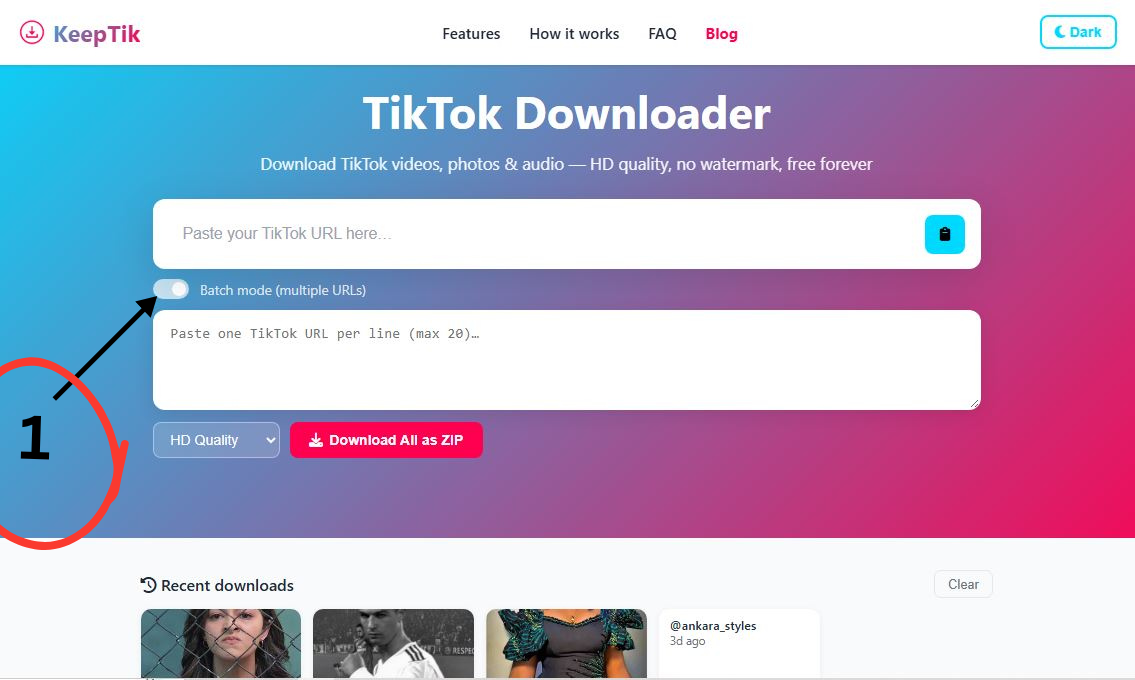
Toggle the Batch Mode on. Next, the Multi-URL box appears.
Step 3: Paste All the Links
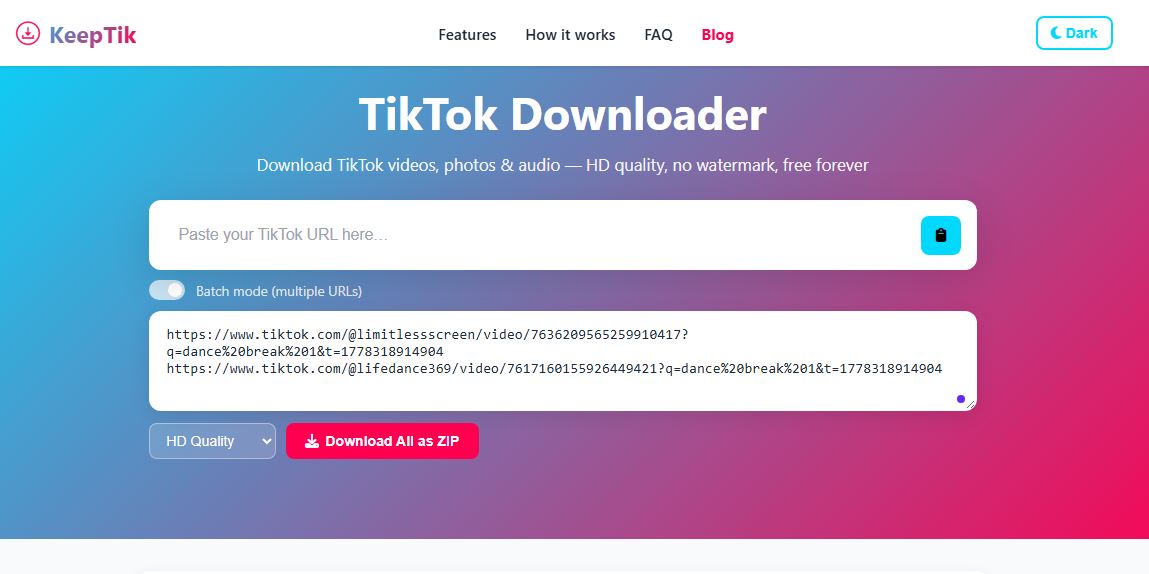
Here’s the magic part: You can paste multiple TikTok links into KeepTik’s Multiple URL box—each on a new line. It’s like feeding the site a playlist of your favorite clips.
Step 4: Choose Your Format
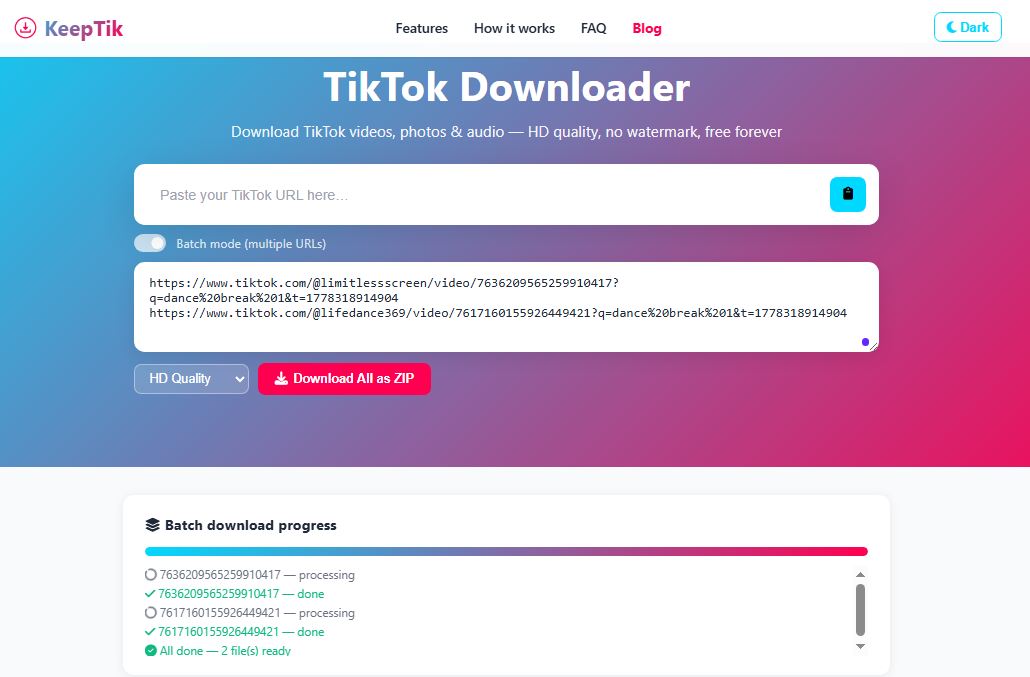
Once the videos are ready, you’ll see options for MP4 downloads or MP3 audio only. Pick your vibe—visuals or sound—and let KeepTik do its thing. Then hit Download. KeepTik will start processing each link like a pro barista making your order—smooth, quick, and satisfying.
Step 5: Save and Enjoy
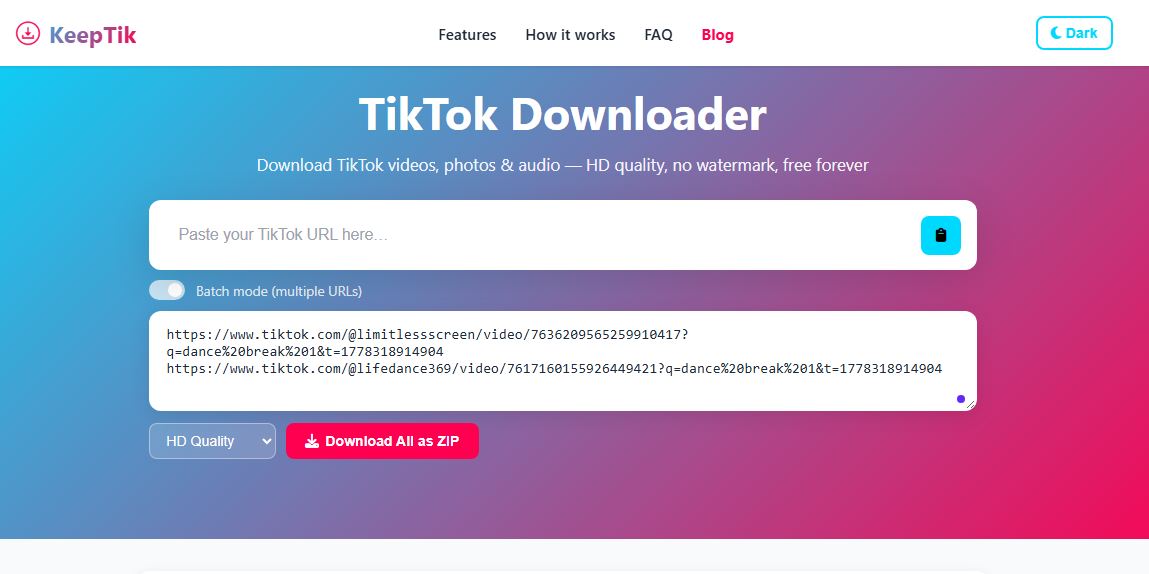
Your downloads will appear one by one, ready to save to your Files app or gallery. I usually rename mine with fun titles like “DanceBreak1” or “CookingFails2026.”
Why I’m Obsessed with KeepTik
- Batch downloads: No more one-by-one torture.
- Fast processing: Blink and it’s done.
- No extra apps: My phone stays clean.
- Free forever: My wallet stays happy.
Final Thoughts
KeepTik makes downloading multiple TikTok videos feel like a productivity hack disguised as fun. It’s simple, quick, and totally free—basically the dream combo. Now I can save all my favorite clips in one go and binge them offline like a true TikTok connoisseur.
Would you like me to show you how to organize those downloads into playlists or convert them into ringtones next?
Comments (0)
Leave a Comment